

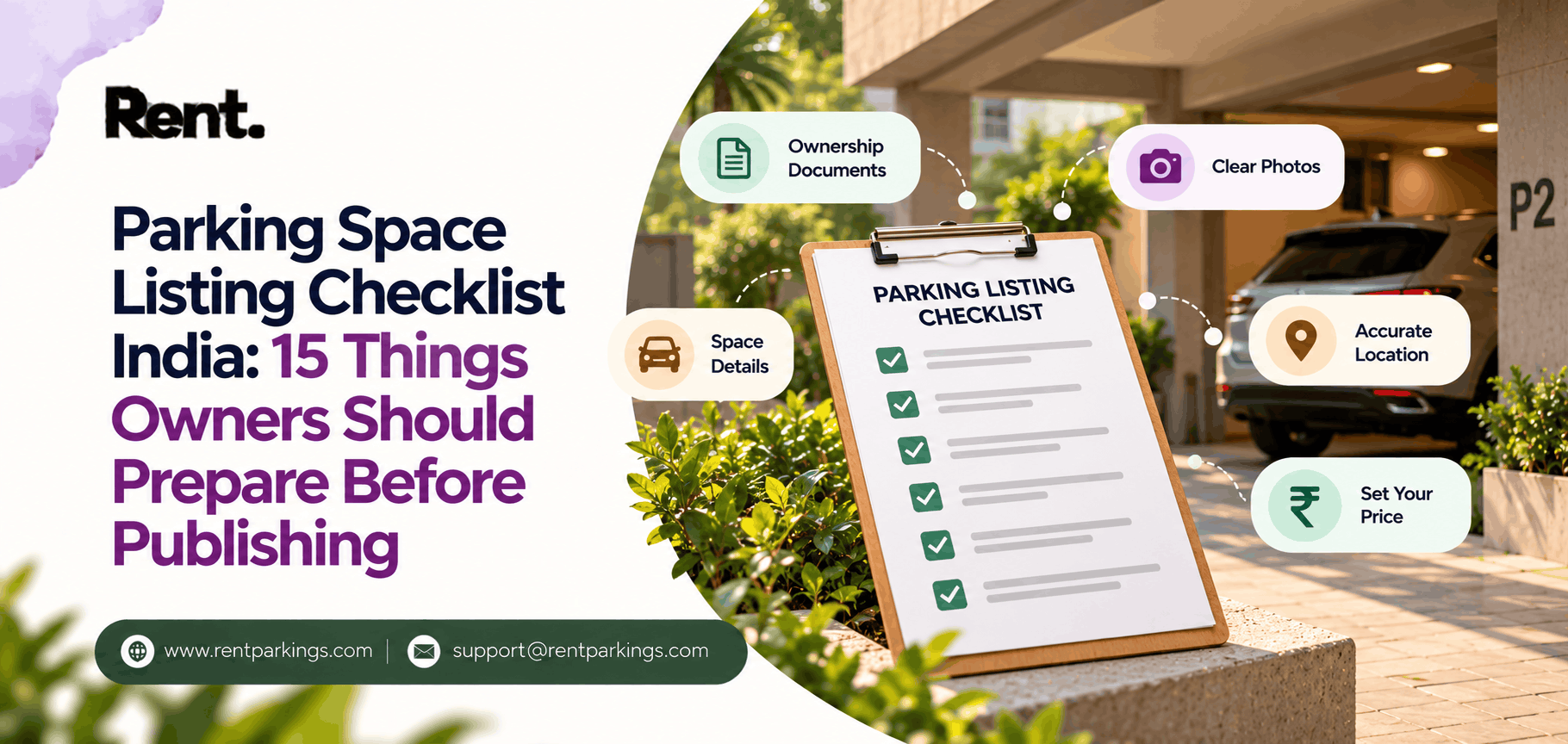
Parking Space Listing Checklist India: 15 Things Owners Should Prepare Before Publishing
Looking for parking, or got a space to rent out?
Search monthly and daily parking near you, or list your empty slot free.
Parking Space Listing Checklist India: 15 Things Owners Should Prepare Before Publishing
Do you have an unused car parking space, garage, driveway or vacant parking area?
Before listing it online, you should prepare a few important details. A complete and accurate listing helps potential renters understand your parking space and makes the listing process easier.
Whether you are an individual homeowner, apartment owner, commercial property owner, hotel manager or parking operator, this checklist will help you prepare your space before publishing it on RentParkings.
Add your parking space on RentParkings and start preparing your listing today.
1. Confirm that you have permission to rent the space
Before listing your parking space, confirm that you own it or have permission to rent it.
This is especially important for:
- Apartment parking spaces.
- Society or gated-community parking.
- Rented commercial properties.
- Shared driveways.
- Vacant plots.
- Parking spaces managed by a property company.
Check your property documents, allotment letter, lease agreement or society rules before publishing.
If the parking space belongs to a common area, obtain the required approval before listing it. You can also read this parking-space rental rights guide for additional information.
2. Identify the parking-space type
Clearly mention what type of parking space you are offering.
Common types include:
- Car parking.
- Bike or two-wheeler parking.
- Covered parking.
- Open parking.
- Garage parking.
- Basement parking.
- Commercial parking.
- Heavy-vehicle parking.
A clear category helps renters quickly decide whether the space is suitable for their vehicle.
3. Measure the parking area
Record the approximate length and width of the space.
Also check:
- Entrance width.
- Ceiling height.
- Turning space.
- Nearby pillars or walls.
- Ramp angle.
- Height or weight restrictions.
A space that fits a hatchback may not fit a large SUV. Accurate measurements help prevent confusion later.
4. Decide which vehicles are allowed
Mention the vehicle types that can use the space.
For example:
- Motorcycle.
- Scooter.
- Hatchback.
- Sedan.
- SUV.
- Commercial vehicle.
- Small truck.
- Electric vehicle.
If multiple vehicle types are allowed, clearly mention them in the listing description.
5. Take clear photographs
Good photographs help renters understand the parking space before contacting you.
Take photographs of:
- The complete parking area.
- The entrance.
- The approach road.
- The gate or access point.
- Nearby pillars or walls.
- The lighting.
- Any size or height restrictions.
Take photographs during daylight and keep the space clean and free from unnecessary items.
6. Add the correct locality and landmark
A precise location makes your listing more useful.
Mention nearby landmarks such as:
- Railway station.
- Metro station.
- Bus terminal.
- Hospital.
- Office park.
- School or college.
- Shopping street.
- Temple.
- Market.
- Hotel.
- Event venue.
Instead of mentioning only the city name, add the neighbourhood and nearest landmark wherever possible.
You can also explore existing listings on the RentParkings Browse page.
7. Decide the availability timings
Decide when the parking space can be used.
You may offer it:
- Hourly.
- Daily.
- Weekly.
- Monthly.
- During office hours.
- At night.
- On weekends.
- During festivals or events.
- Only on selected dates.
Clearly mention your preferred timings before publishing.
8. Prepare simple access instructions
Write clear instructions explaining how renters can reach the parking area.
Mention:
- Which entrance to use.
- Whether security staff must be informed.
- Whether an access card is required.
- Gate opening and closing timings.
- Where the vehicle should stop.
- Whether the owner must be contacted on arrival.
Do not publish private gate codes or sensitive access information publicly.
9. Check cleanliness and lighting
A clean and accessible parking space creates a better first impression.
Before taking photographs:
- Remove unnecessary items.
- Sweep the area.
- Check for water leakage.
- Make sure the entrance is clear.
- Check lighting during the intended parking hours.
- Confirm that vehicles can enter and exit comfortably.
Small improvements can make the listing easier for renters to understand.
10. Research a suitable rental price
Before deciding your price, compare similar parking spaces in your locality.
Consider:
- Covered or open parking.
- Car or bike capacity.
- Local demand.
- Distance from major landmarks.
- Availability duration.
- Security and access.
- Parking shortage in the area.
Avoid copying prices from another city. A parking space near an airport may have different demand from one in a quiet residential area.
Own an empty parking space?
List it free on RentParkings and let drivers nearby find it. There is no listing fee.
11. Decide the rental duration
Choose the type of renter you want to attract.
Monthly parking may suit:
- Office employees.
- Nearby residents.
- Students.
- Hospital staff.
- Long-term tenants.
Daily or hourly parking may suit:
- Visitors.
- Shoppers.
- Hospital patients.
- Commuters.
- Event attendees.
- Temple visitors.
Choose an option that is convenient for you and suitable for your location.
12. Write a clear listing description
A useful description should answer the most important questions quickly.
Include:
- Parking type.
- Vehicle type.
- Covered or open status.
- Approximate dimensions.
- Location and nearby landmark.
- Available timings.
- Entry and exit information.
- Rental duration.
- Important restrictions.
Example:
Covered car parking space available near a busy commercial area. Suitable for a sedan or compact SUV. Available on weekdays from 8 a.m. to 8 p.m. Easy vehicle access. Please confirm vehicle dimensions before booking.
Avoid claims such as “guaranteed parking,” “the safest parking in the city” or “guaranteed income” unless they can be verified.
13. Check apartment and property rules
Apartment owners should check whether their society permits the proposed arrangement.
Confirm:
- Whether outside vehicles are allowed.
- Whether the RWA or security team must be informed.
- Whether written approval is required.
- Whether commercial parking arrangements are restricted.
- Whether overnight parking is permitted.
If you are a tenant, check your rental agreement and obtain permission from the property owner where necessary.
14. Keep your owner information ready
Prepare the information required for account creation and listing submission.
This may include:
- Name.
- Mobile number.
- Email address.
- Property location.
- Parking details.
- Photographs.
- Payment information, if requested.
Only submit genuine and accurate information. Do not list a parking space on behalf of another person without permission.
If you are not comfortable with online forms, read the RentParkings guide for listing without technical skills.
15. Complete a final review
Before submitting your listing, check the following:
- Is the location accurate?
- Are the photographs clear?
- Is the vehicle size correct?
- Are the timings correct?
- Is the price clearly mentioned?
- Are the access instructions understandable?
- Have you confirmed your authority to rent the space?
- Have you checked society rules?
- Have you mentioned all restrictions?
- Is your contact information accurate?
Once everything is ready, list your parking space on RentParkings.
Parking safety reminders for owners
Before accepting a rental arrangement, clarify:
- Who can access the property.
- Which vehicles are permitted.
- Entry and exit timings.
- Security or gate procedures.
- Responsibility for access cards or keys.
- What happens if the space becomes unavailable.
- How damage or disputes will be handled.
You can read the RentParkings parking safety guide for more information.
Frequently asked questions
What do I need to list a parking space online?
Prepare the location, parking type, dimensions, vehicle type, availability, price, access instructions and clear photographs.
Do I need to own the parking space?
You should own the space or have clear permission to rent it. Do not list common or unauthorised parking areas.
Can I list an apartment parking space?
You may be able to list it if you have the right to rent it and your society rules permit the arrangement.
Should the parking space be covered?
No. Both covered and open parking spaces may be suitable, depending on location, vehicle type and renter demand.
How should I set the rental price?
Compare similar parking spaces nearby and consider location, access, parking type, security and availability.
Can I offer parking only during selected hours?
Yes, you can mention your preferred availability while preparing your listing. Confirm the exact availability controls during the RentParkings listing process.
Do I need a written agreement?
A written agreement can help clarify rent, duration, access, responsibilities and notice periods.
Is it safe to rent out a parking space?
Responsible renting requires clear access rules, accurate information and communication with the renter. Check your property and society rules before proceeding.
How do I edit or remove my listing?
For the current process, contact RentParkings through the Contact page.
List your parking space on RentParkings today
A well-prepared listing helps potential renters understand your space quickly.
If you have an unused car bay, bike space, garage, driveway, covered parking area or suitable commercial space, prepare the details using this checklist.
Visit RentParkings.com and add your property today.
Turn your unused parking space into an income opportunity with RentParkings.
RentParkings does not guarantee bookings or a specific income. Owners should confirm eligibility, pricing, payment terms, availability controls and applicable policies before publishing a listing.
Share This post
Search
Recent Post
Parking vs a Second Property: Which Idle...
04 Nov, 2026
The Post Office Promises a Monthly Chequ...
02 Nov, 2026
Bengaluru's Draft Parking Rules Could Ma...
29 Oct, 2026
The Real Money Near India's Airports Isn...
28 Oct, 2026
Monsoon Season Quietly Changes What a Co...
27 Oct, 2026
Madurai's Temple Crowds Fill Every Hotel...
26 Oct, 2026
Is It Safe to Rent Out Parking to Strang...
23 Oct, 2026
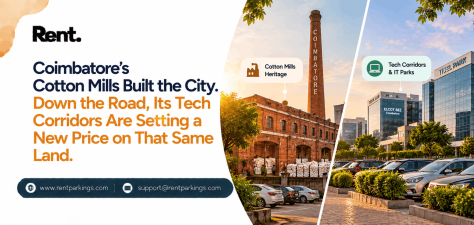
Coimbatore's Cotton Mills Built the City...
22 Oct, 2026