

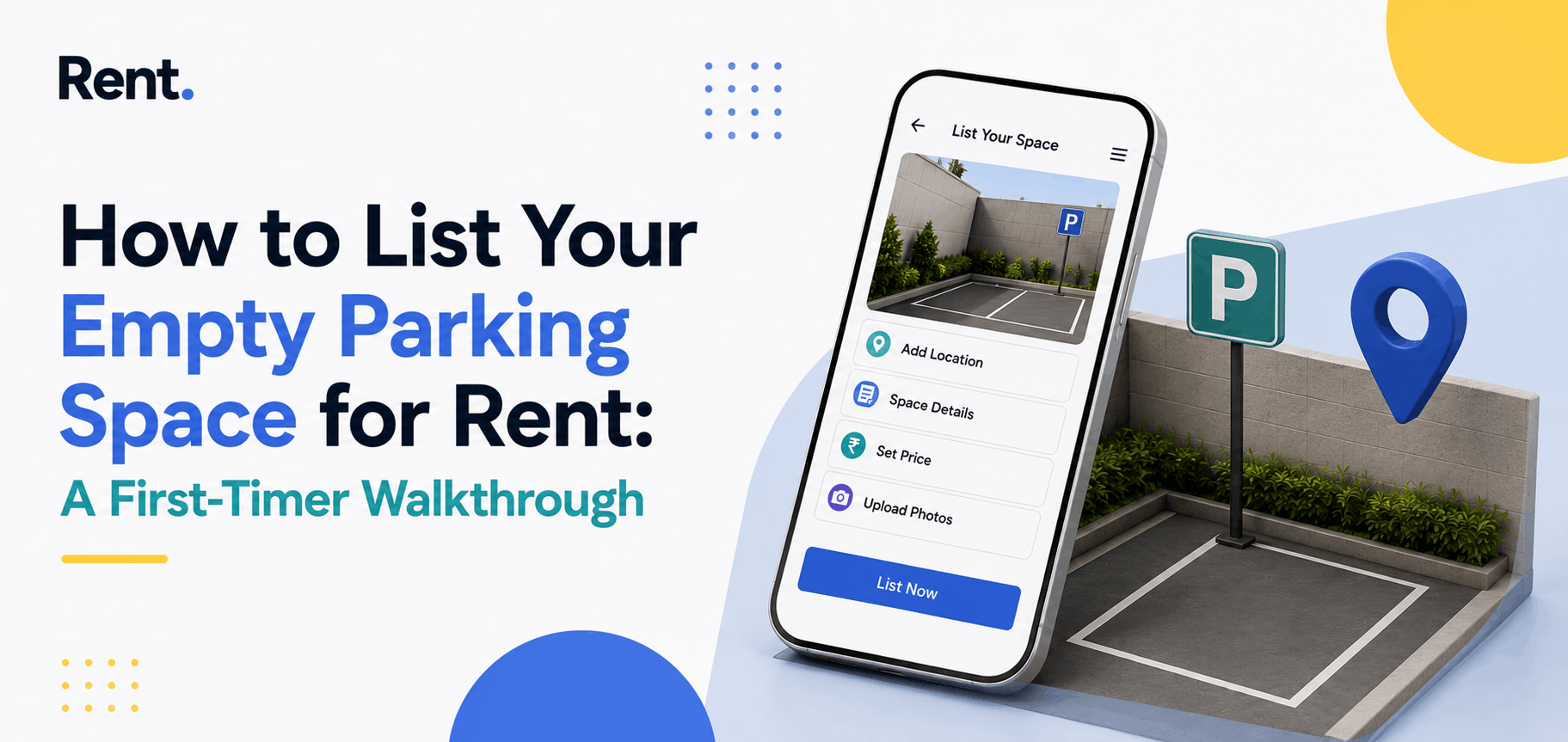
How to List Your Empty Parking Space for Rent: A First-Timer Walkthrough
If you have never rented out a parking space, the idea can feel complicated - paperwork, strangers, awkward conversations with your society. It is none of those things. This is a walkthrough for someone doing it for the very first time, taken one plain step at a time, with nothing assumed. Set aside about half an hour, and your space will be live and discoverable by the end of it.
First, a Quick Eligibility Check
You can rent a parking space if you own it or hold it on a long lease. For a slot allotted to your flat, the right to use it sits with you, and subletting it is generally allowed. The only thing worth doing first is a friendly check of your housing society rules - some simply ask you to inform the secretary before an outside vehicle starts using a slot. If you own an independent house with a driveway or open land, there is nothing to check at all.
Step 1 - Take Two Good Photographs
This is the most important thing you will do, so do it in daylight. You need two clear shots: one showing how a driver approaches and enters the space, and one from inside showing its size and condition. If there is a roof, a gate or a camera, make sure they are visible - those details make someone choose your listing over the next one. A bright, honest photo of an ordinary slot beats a dark, cropped one every time.
Step 2 - Name Your Nearest Landmark
People do not search for parking by address. They search by the place they are trying to reach - a metro station, a hospital, a college, an IT park, a temple, or a market. Find the most recognisable landmark near your space and make it the centrepiece of your listing. A title like "Covered parking near Indiranagar metro" will always do better than "parking available in residential building." The landmark does the searching for you.
Step 3 - Decide What to Charge
Pricing feels intimidating the first time, so use two reference points. Ask anyone nearby what they pay to park around your area, and when you create your listing, RentParkings suggests a competitive rate based on similar spaces close to you. Start near that suggestion. If enquiries come quickly, you can nudge the price up at renewal; if it stays quiet, ease it down a little.
Step 4 - Write a Short, Specific Description
You do not need to be a copywriter, just specific. In three or four lines, cover what a renter wants to know: the type of space (covered, open, basement, driveway), the vehicle it suits, the nearest landmark and walking distance, the availability, and any security like a gate or camera. A renter who reads "covered car slot, gated society, CCTV at entry, near Apollo Hospital, available 24/7" has every question answered and is far more likely to book.
Step 5 - Publish and Set Availability
Now, create the listing on RentParkings, upload your two photos, add your landmark and price, and set when the space is available. This part is yours to control - you can offer it round the clock, or only on weekdays during office hours and keep your evenings and weekends free. Once you submit, the listing is reviewed and goes live, usually within a day.
Step 6 - Handle Your First Enquiry
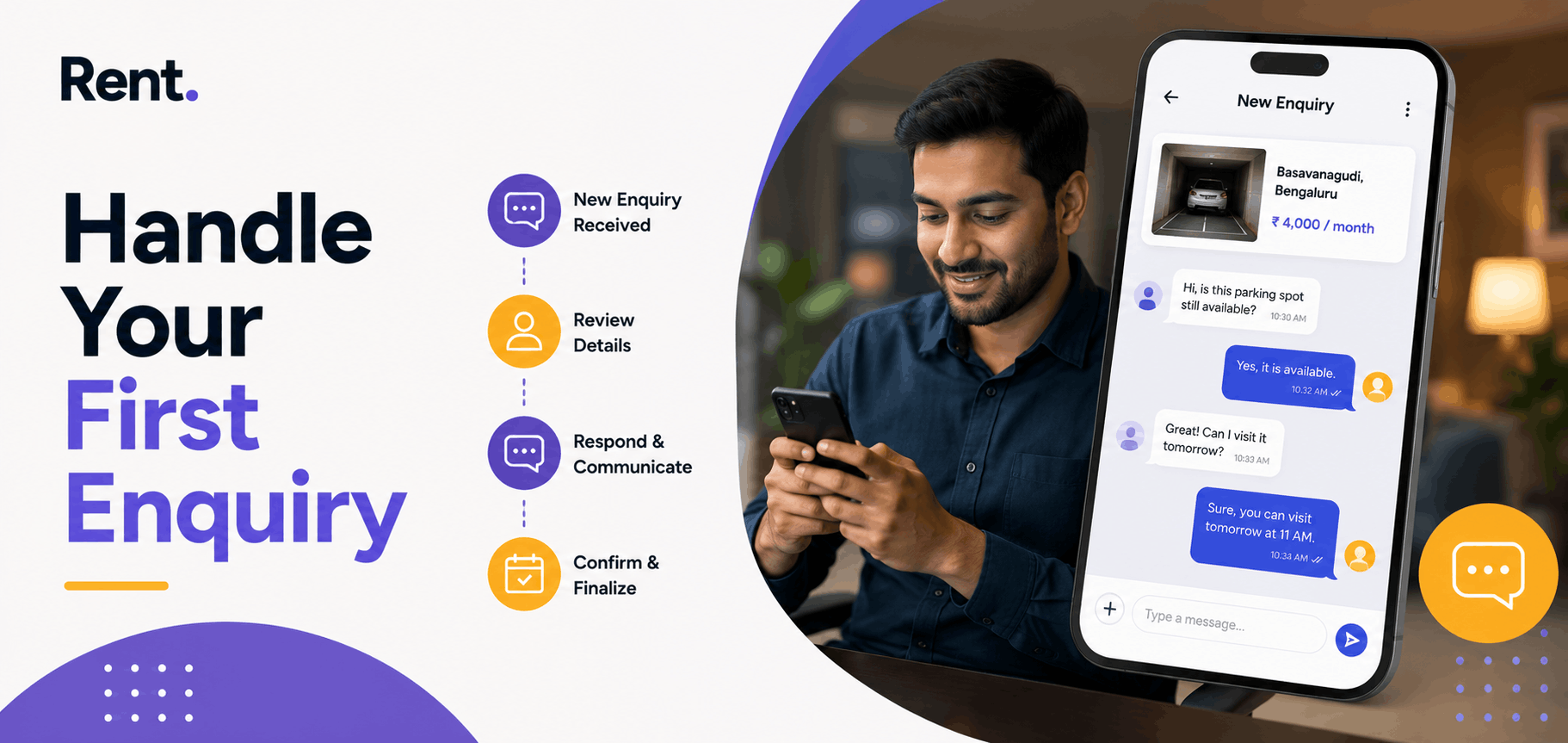
When a request arrives, you see the renter's profile before you agree to anything. Renters complete identity verification before they can book, so you are never dealing with a stranger. Approve the booking, share access once, and that is the end of your involvement. Payment is collected up front and settled to your bank account - no cash to handle, no monthly meeting, no chasing.
Getting Booked Faster
- Lead your title with the landmark, not the building name.
- Use two bright daytime photos - one of the approach, one of the bay.
- Price is close to similar nearby spaces, so you are not filtered out.
- Reply to enquiries quickly - the first owner to respond usually wins the booking.
Frequently Asked Questions
Do I need any documents to list my space?
No documents are needed to create a listing - just the location, a couple of photos and your price. A simple written agreement with your tenant is advisable.
How many photos should I add?
Two is enough and three is ideal: one showing how a driver approaches and one of the bay itself, taken in daylight.
How do I decide the price?
Ask what people pay to park nearby and use the rate RentParkings suggests for similar spaces. Start near the middle and adjust later.
What should my listing title say?
Lead with the nearest landmark and walking distance, such as “Covered parking near Indiranagar metro” - people search by landmark, not address.
Can I rent only during certain hours?
Yes. You set the availability - round the clock, weekdays only, or office hours - and renters agree before booking.
How soon will I get my first booking?
Spaces near busy landmarks often get enquiries within a few days, while quieter areas take a week or two.
What if I want to stop renting later?
Monthly arrangements have no lock-in, so you can pause or remove your listing whenever you like.
Is the renter verified?
Yes. Renters complete identity verification before they can book, so you always know who is using your space.
Share This post
Search
Recent Post
Parking Space vs. Renting Out a Room to...
05 Oct, 2026
Think Parking Rental Only Pays in Mumbai...
02 Oct, 2026
Your Mumbai Parking Space Is Worth More...
01 Oct, 2026
Hyderabad's Real Estate Boom Left One As...
30 Sep, 2026
What Your Parking Space in Chennai Could...
29 Sep, 2026
Your Plans Changed After Listing Your Pa...
28 Sep, 2026
Parking Space vs SIP: Which Idle Asset A...
25 Sep, 2026
What Your Parking Space in Pune Could Ac...
24 Sep, 2026